Butcher Bay Mac Port Hits 60 fps, Comfy Golf Gets a Site
The Mac port of Escape from Butcher Bay now plays smoothly but draws characters too dark, while Comfy Golf and my AI models catalog gained new pages.
The Mac port of Escape from Butcher Bay, the Xbox shooter I have been bringing to the Mac, now plays smoothly and installs as a normal app. It still draws the characters far too dark, and I spent most of Saturday proving where that fault lives without fixing it. Two smaller projects shipped pages the same day.
I am leading with the game because it ate the day, and because a failure I can explain is worth more to you than a win I cannot. The other two stories are about a golf game finally getting a front door and a catalog of local AI models learning to tell reading speed from writing speed.
Escape from Butcher Bay: smooth on the Mac, still too dark
Two things got better. The picture stopped stalling and stopped filling with static. The game also now ships as one app that sits in Applications and launches with a double click, which sounds minor until you remember it used to be a pile of folders and a terminal command. The full record is in the Escape from Butcher Bay entry for the day.
The stall came from how each frame's textures reached the graphics card. I had been reusing one buffer. I now stage them through a ring of three. I also raised the audio queue to 85 milliseconds so the sound stops crackling, which trades a sliver of latency for a clean signal. My handover notes now record 60 frames per second in gameplay on the Mac.
I merged the upstream project's v0.18.0 fixes as well. They draw some menu quads that were missing, handle fog at infinite distance, and fold file-name case, which matters because the Mac file system and the original game disagree about capital letters. One thing I had feared was a rendering bug turned out to be authentic. The band along the bottom of the Mac main menu matches a Linux reference row for row.
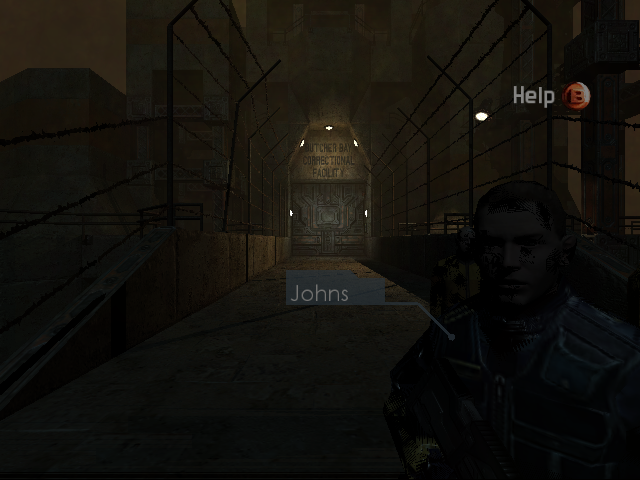 A 640 by 480 frame from the Mac build in the cell block, saved to the project folder on 21 November 2026 at about 14:56. I could only read the on-screen text, not judge the colours, so check the character against the darkness described below.
Chasing the dark characters
The darkness took the rest of the day. I ruled out gamma first. Applying the console's display curve at 1.5 matched the reference averages, while 2.0 washed everything out. Neither touched the dark characters. Next I forced alpha to opaque. That brightened everything, which is plainly not a fix, so it went in the bin. A red and blue channel swap hypothesis got tested and withdrawn.
| What I tried | Result |
|---|---|
| Display curve at 1.5 | Matched reference averages, characters still dark |
| Display curve at 2.0 | Washed everything out |
| Force alpha opaque | Brighter everywhere, not a fix |
| Red/blue channel swap | Tested, withdrawn |
The number that mattered is 99.8 percent. That is the share of draws running through the generated combiner program, the part that blends textures and lighting. The hand-written fast paths sit idle. Vertex colour arrives white, the character texture is a normal map with red and blue swapped, and the combiner output is already black before anything else touches it.
One diagnostic dump contradicted the rest by reading zero everywhere. I suspect that is an artefact of a shader the driver declined, but I did not prove it. So I stopped probing and wrote down a decision: replace my combiner generator with the one from the xemu emulator instead of guessing further. To get there I got xemu itself running, which took the Vulkan loader, MoltenVK, a corrected disc path and a debug BIOS rather than a retail one.
What I did not do matters here. I did not rerun the final build against the reference after the last merge. I took no fresh screenshot of the dark characters, which is why the picture above is a general gameplay frame and not evidence of the fix. Treat 60 fps as my number from the handover notes, not a benchmark you can reproduce yet.
Comfy Golf: a landing page, a guide and a browser demo
Comfy Golf had only ever been a project folder. On Saturday it got a landing page, a how-to-play guide and a demo that runs in the browser with no install. The site is plain pages plus one bundled script, a dark theme and a single green accent. The guide opens with a short lede, numbered steps and a controls table with keyboard-key styling, which beats a wall of prose.
It is set up for GitHub Pages, with a marker file so the host does not treat it as a Jekyll site, icons in four sizes and a phone touch icon. There are tiny looping clips with poster images, each under 9 kilobytes. They are more mood than footage, and I say so.
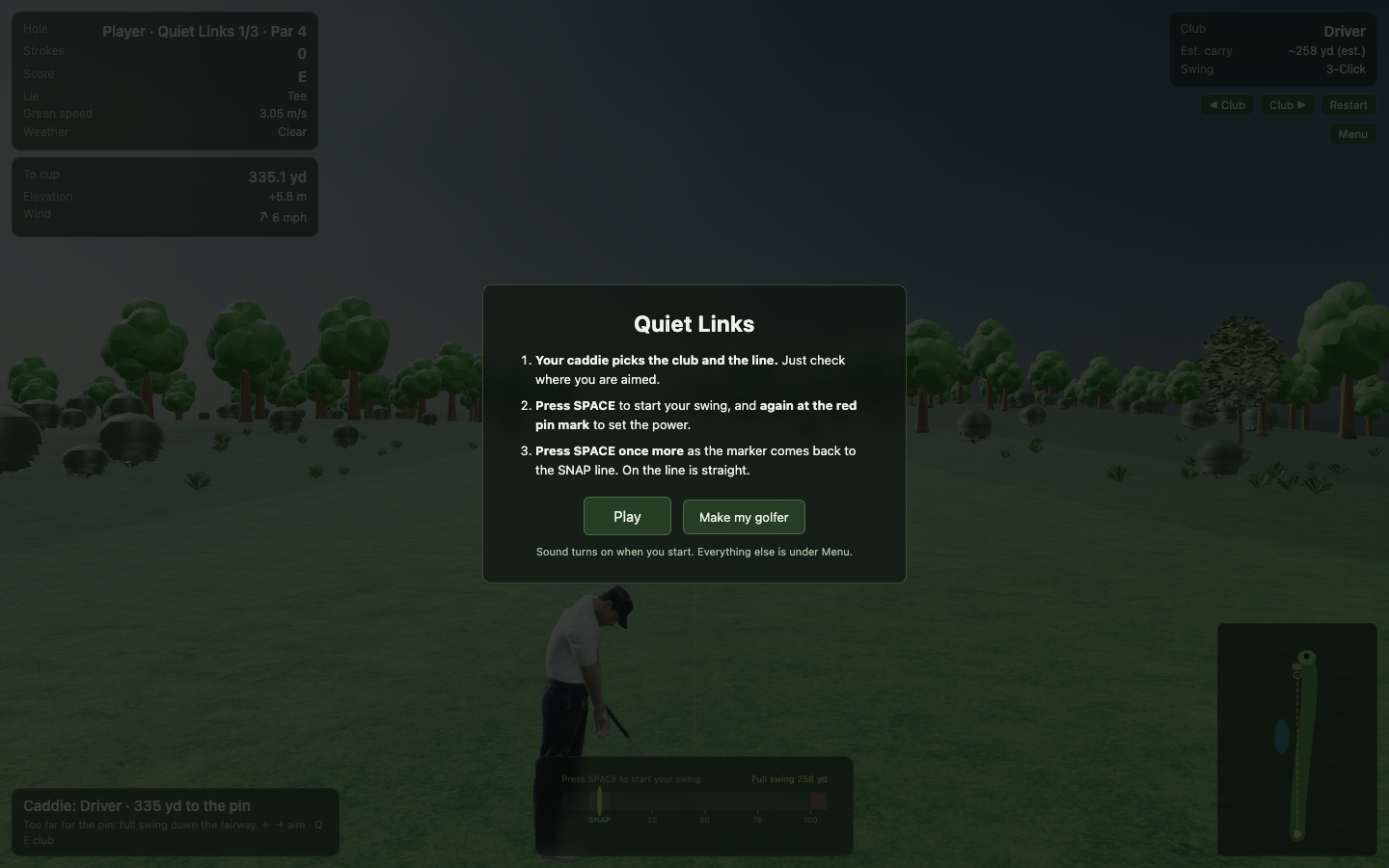
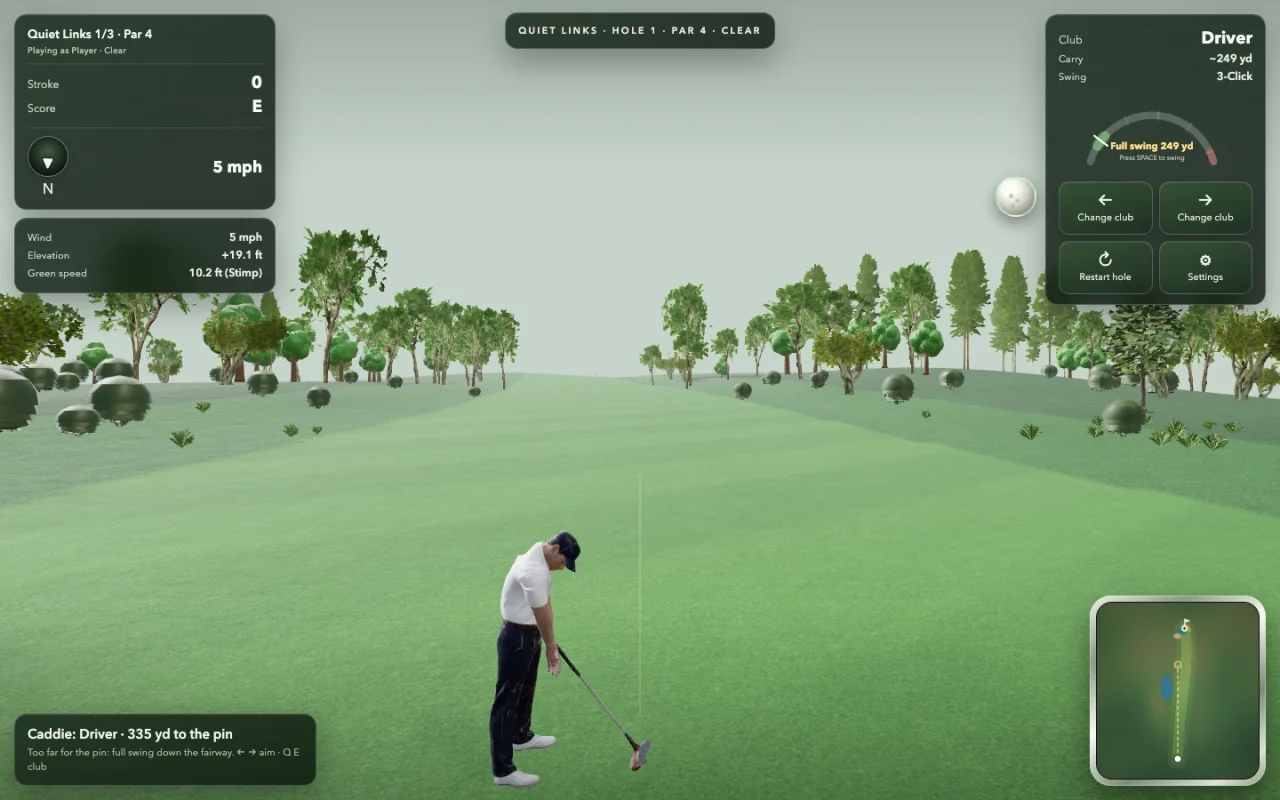 The desktop demo on Quiet Links, hole 1 of 3, par 4, with a driver and a 5 mph wind, from the project's own screens folder, saved 21 November 2026. The caddie line reads "Too far for the pin: full swing down the fairway."
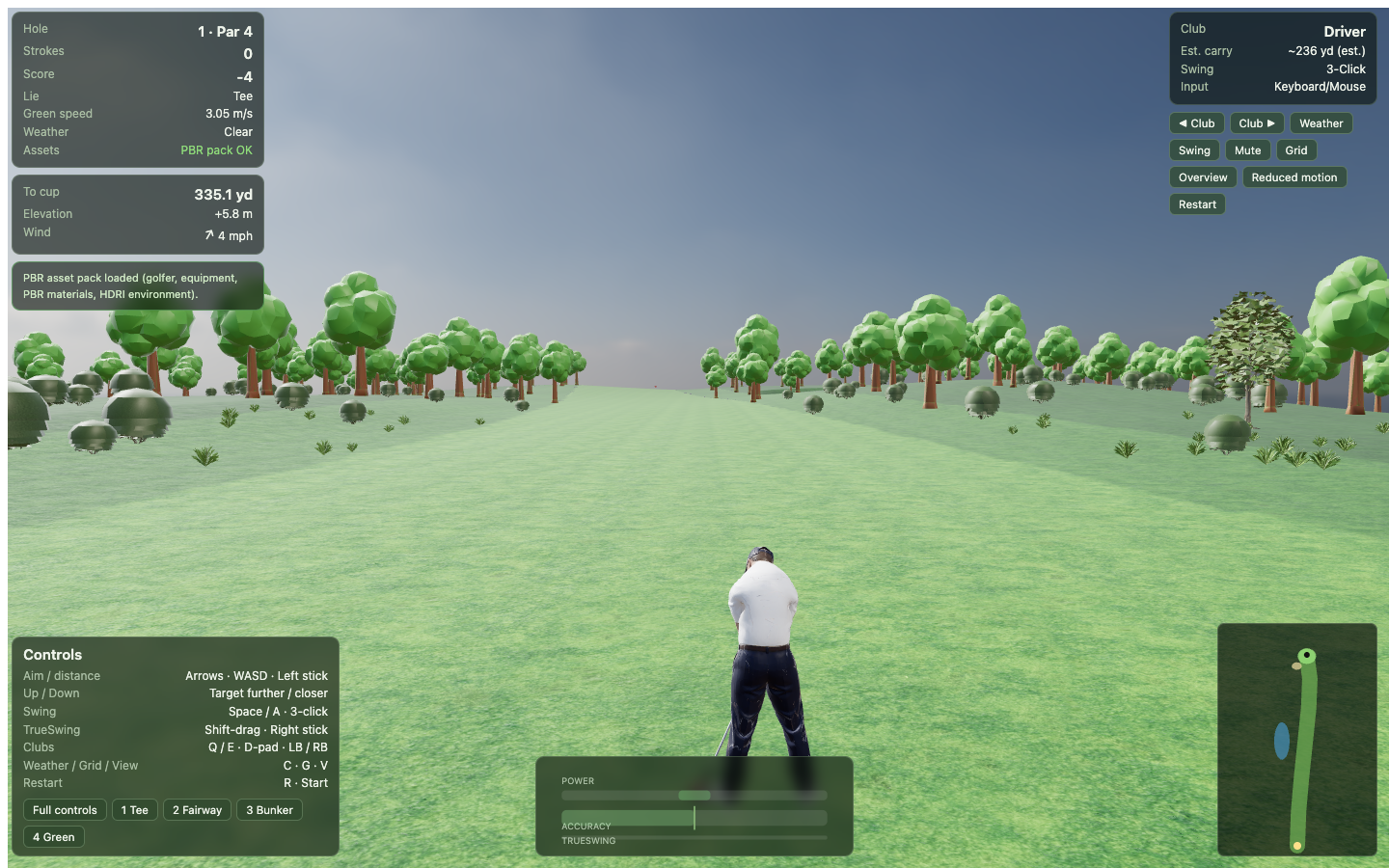
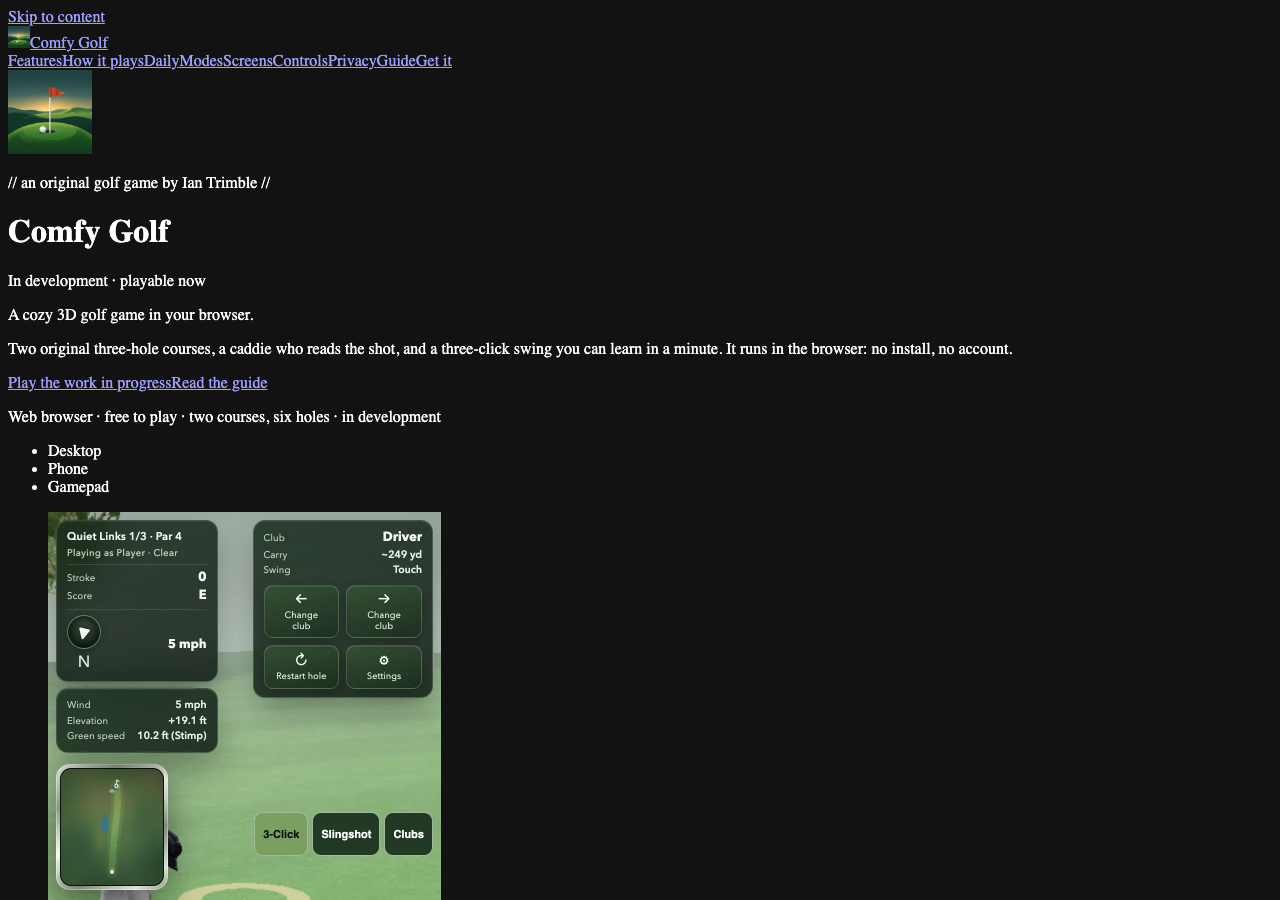 The Comfy Golf landing page as rendered on 21 November 2026, showing the "cozy 3D golf game in your browser" pitch and the demo preview underneath.
I did not test the demo on a phone, or in any browser except the one that took the screenshot. When I checked afterwards, the public address for the site did not respond to a request from the Mac mini, so I cannot tell you it is live. The pages exist in the project; whether they are deployed is still open.
AI models catalog: a benchmarks page with honest column names
My local AI model catalog gained a benchmarks page, and every figure on it comes from someone's published measurement. Each row names the machine, the prompt length and the source. I opened the live benchmarks page afterwards and it loads.
I got the first version wrong. It showed one speed column, which hides that models read your prompt and write their answer at very different speeds. By evening the columns were prefill, meaning reading the prompt, and decode, meaning generating the reply. A blank prefill cell now means the source did not report it, not that it is zero.
The build script rewrites about thirty model pages whenever the data file changes, so the count on the home page stays honest. I added StrixFold and TensorFold rows. One entry is a Windows run on a GMKtec box with an AMD chip: 44 tokens per second decoding, 755 per second prefill at a 4K prompt, 0.6 seconds to first token. That is a third-party measurement, not mine, and the row says so.
 The AI models catalog home page captured 21 November 2026. It reports 39 model builds, about 3.8 TiB on the NAS, and a measured speed line for the Bosgame M5 pair.
I did not run any of these benchmarks and did not check every source link.
Folders I left out
The survey flagged more folders than I could vouch for. The Dante, God of War 3 and Eternal Darkness recompilation work, the xemu and MoltenVK folders and the Omarchy day-one folder held generated or research output with no story I could verify that night. The same goes for hermes-webui, hermes-fleet, golfprompt, deepseekharness and site-templates. If one of them mattered on Saturday, it will show up when I can read it properly. Earlier context is in the week of November 13 roundup and the Quiet Links golf swing story.
What I would tell you
Measure before you fix. The darkness cost me a day because every plausible fix brightened something without touching the cause. Writing down "replace the generator" was the first productive thing I did.
Label your columns. One speed number looked tidy and was wrong.
Say what you did not test. The Comfy Golf demo ran in one browser and the public address did not answer, so I will not call it launched.
Sources
- Remnant AI Models benchmarks page, opened 22 November 2026.
- Remnant AI Models overview, opened 22 November 2026.
- Remnant AI Models catalog, opened 22 November 2026.
- Project notes and handover files for Escape from Butcher Bay and Comfy Golf, read locally; no public page for either was reachable.
Keep reading
Quiet Links Golf Gets a Swing as Dante Recomp Speeds Up
On Friday my browser golf game Quiet Links gained a three-press swing and a caddie, while three Mac game conversions each moved a little.
Dante Recomp Host Plays on My Mac as GoW3 Recomp Hangs
A converted PlayStation 3 game reached real gameplay on my Mac while a second, God of War III, drew a splash screen and froze.
Dante Recomp Host Links Two Programs, Nothing Run Yet
My PS3 game-conversion experiment finished a Mac build on Wednesday, but I have not launched it, while Grok Bot and Hermes Fleet reported quietly.