The Hisense TV Gets a Podcasts App That Resumes
The television now has a podcasts app that keeps playing with the screen off and picks up where you stopped.
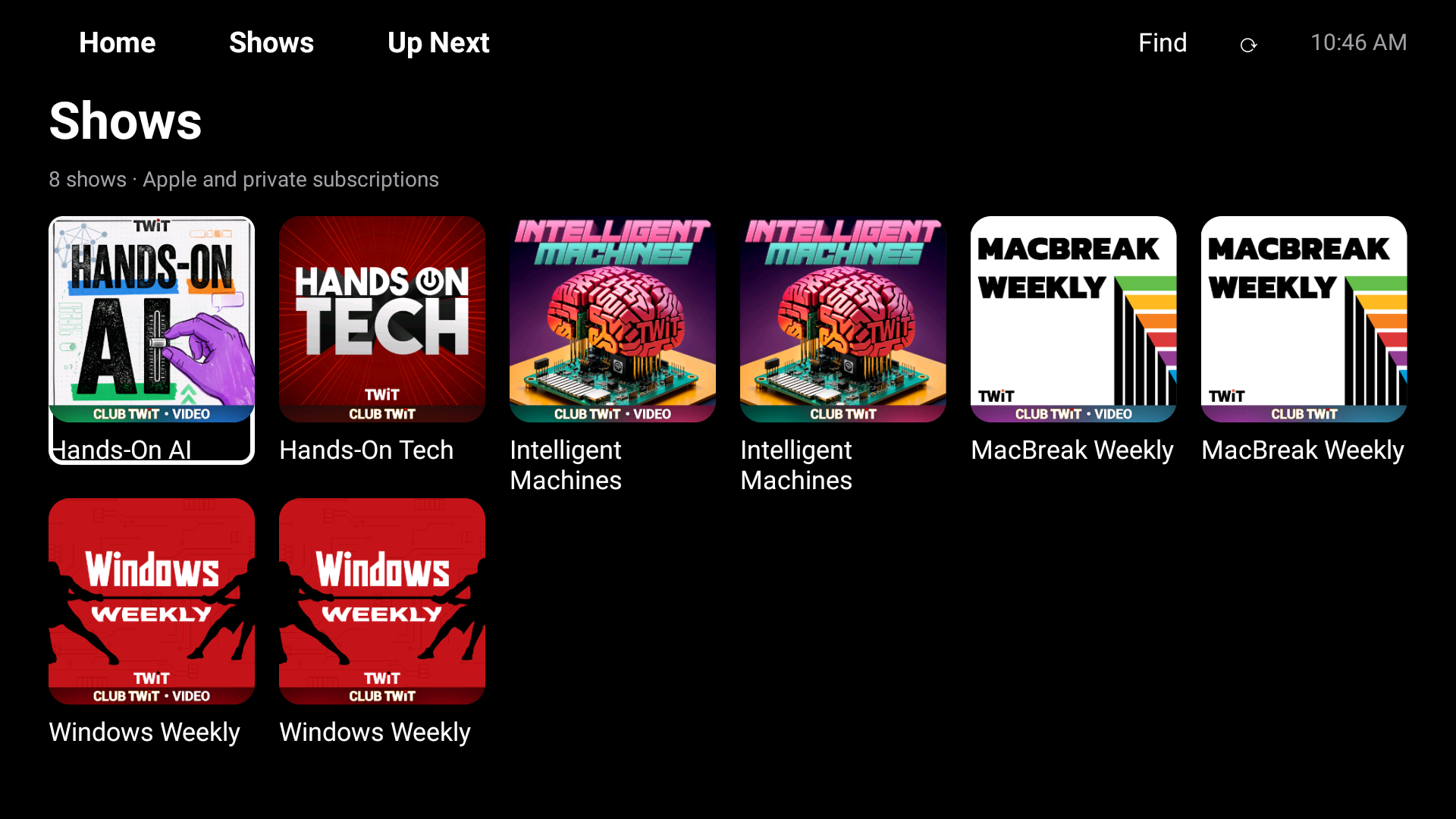
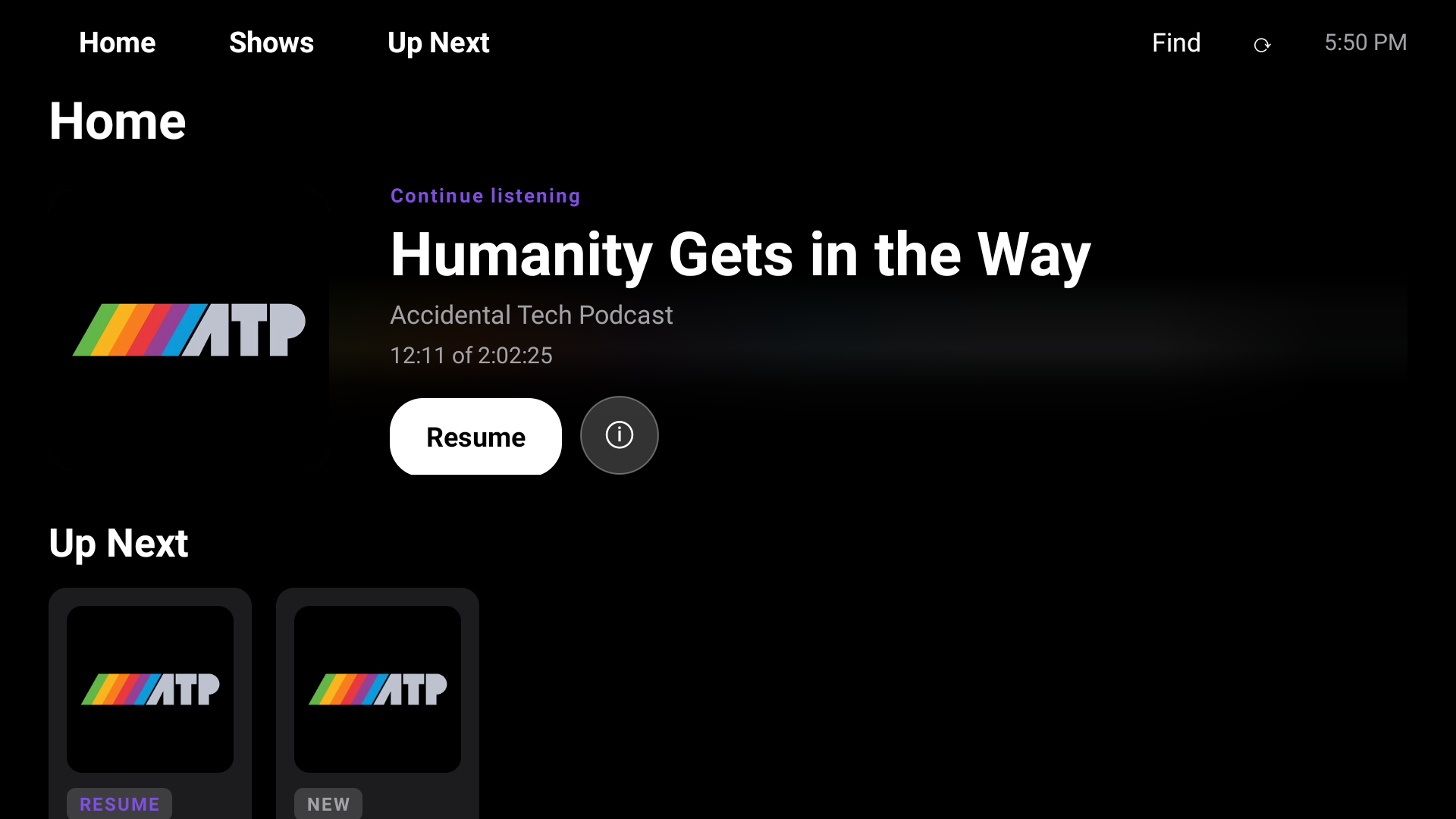
Listening to a podcast on the Hisense no longer means leaving the picture on. I built the television its own podcasts app, and the audio carries on after the screen goes dark. Open it again and it asks whether you want to carry on with the episode you were last in. Leave it playing and quiet for a few minutes, and a Now Playing screen drifts slowly around the display. If an episode has chapters in Apple's catalog, they are listed too.
Most of the work is plumbing. Behind the scenes the app tells the television the episode, artwork, position and speed, and seeking works. Two locks, a wake lock and a Wi-Fi lock, are held for as long as audio plays, to keep the stream alive. The drifting screen waits for 3 minutes without input. Video episodes are different: the native player writes its position back to the Apple account every 30 seconds, and again when you pause, leave or reach the end. The blue key on the remote opens the chapter list.
One late fix narrowed the resume offer. It now appears only for pages on Apple's podcasts site, and my own scripts and the bridge to the app run nowhere else. Earlier on the same day I committed a baseline for the whole A4 tune-up, with this app and the TV Home launcher in it.
A loose end remains: a compiled Python cache file went into the repository with the app and ought to come out. I did not install or play the app on the TV, so what is described here has not been seen on a screen.
Keep reading
Hisense Podcasts Sign-in Fix Blanked the Library Screen
A fix for a misdrawn password box on my television's podcasts app blanked the library after sign-in, until I narrowed the fix.
Hisense Podcasts App Fixes Tabs, OK Key and Empty Shelves
The podcasts app on my television had three faults that only showed on a cold start: unreachable tabs, a dead OK button, and empty shelves.
Hisense Podcasts App Gets an Apple TV Look and a Sound Stall
The Hisense television's podcasts app got a new Apple-style home screen and shelves, then a stall in the sound that the new artwork had caused.