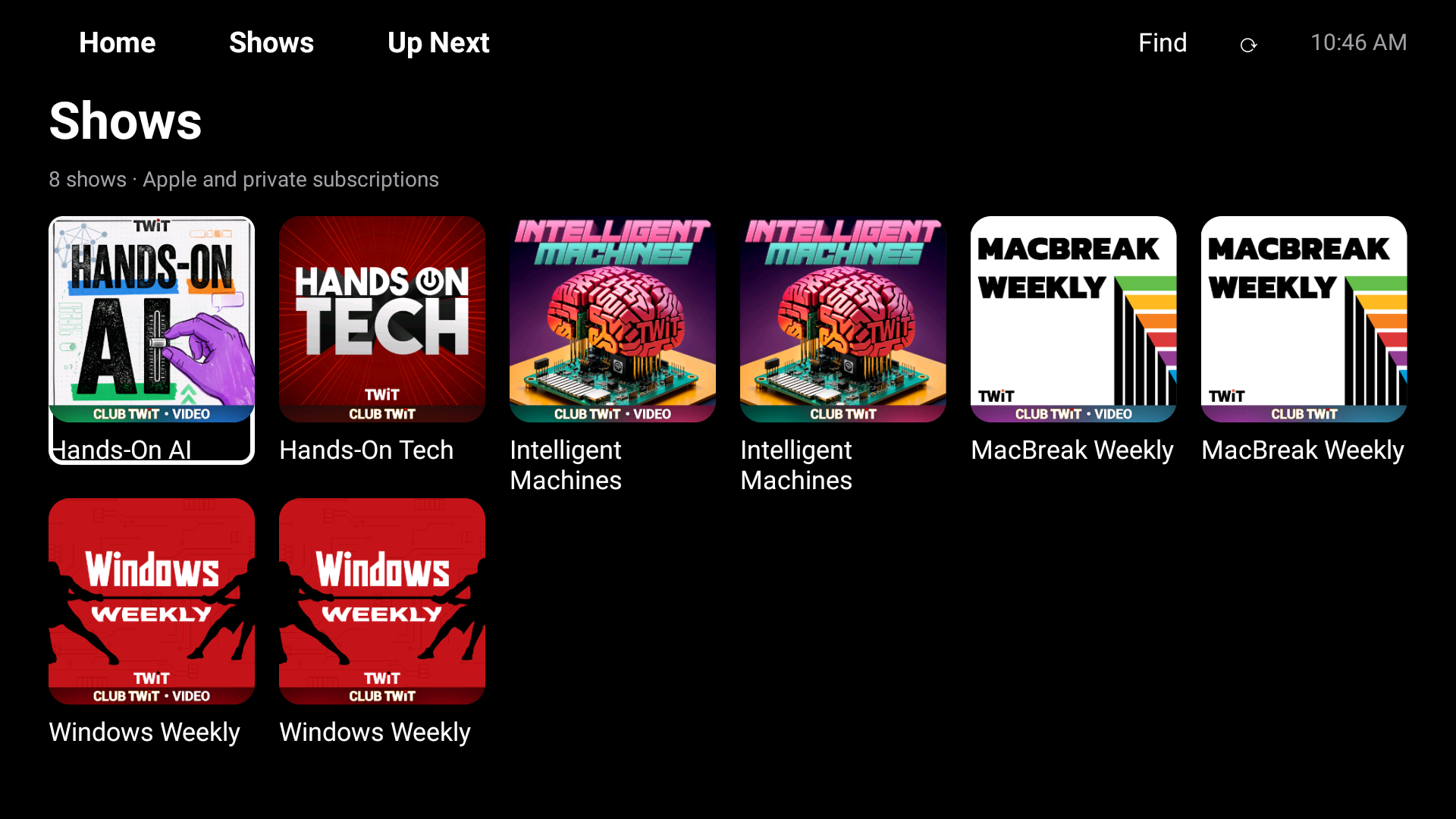
Hisense Podcasts Gets a Native Library and Clearer Controls
My television's podcasts app now puts private subscriptions beside regular shows, remembers older episodes, and makes its buttons easier to see.
My Hisense television now has a podcasts library that feels more like a television app. Regular shows and private subscriptions sit together, older episodes stay available after a restart, and the controls are easier to see from the sofa. The next question was obvious: why should I have to press Refresh every time I open it?
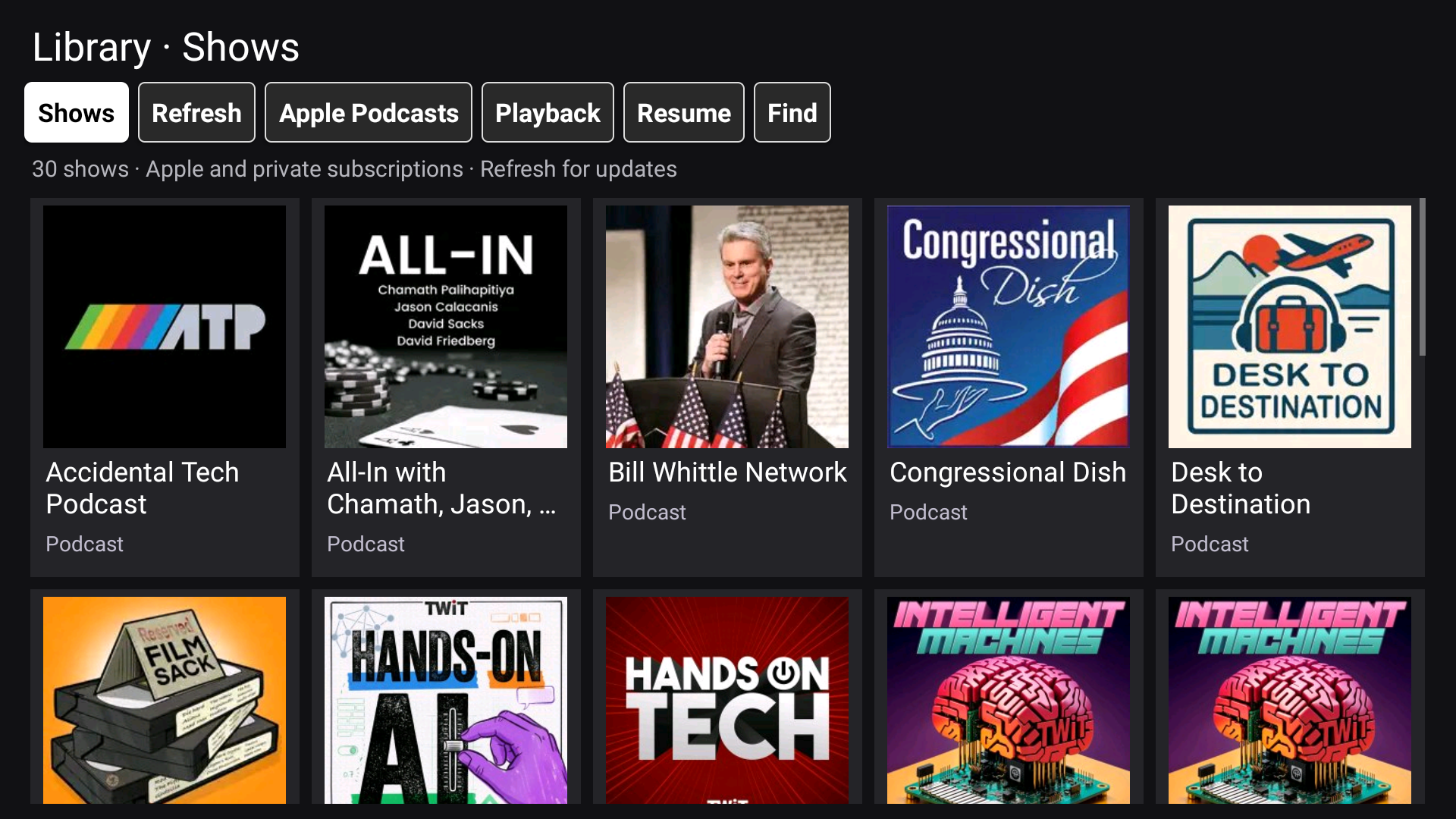 The updated library on the Hisense television, captured on 23 October 2026. Large white labels and a full black-on-white selection make the active button visible without depending on its hue. Podcast artwork belongs to the respective publishers.
The app was already an app
I started this round by asking whether turning the web player into an Android package would improve things. That was the wrong dividing line. It already installed as an app. The expensive and awkward part was asking a website to do most of the browsing on a television controlled by four arrows and an OK button.
Android's WebView documentation describes how a web page can live inside an Android activity. That is useful here: it keeps Apple's sign-in and playback flow available. It does not automatically make the page a good remote-control interface. The earlier Hisense repair entry covered the first navigation and playback fixes. This work moved the everyday library out of that page.
The result is a hybrid. Native Android views now draw the show grid and episode lists. The Apple web component still handles account sign-in, Apple playback, and catalogue capture. Private feeds use the app's native player. I have not replaced Apple's service or built an official Apple client.
One library, including the subscriptions I pay for
My private shows originally lived off to the side. That was technically functional and practically annoying. I wanted to choose a show, not remember which kind of subscription supplied it.
The native library combines Apple shows and imported Club TWiT feeds in the same grid. The test library contains 30 shows: 22 from Apple and eight private feeds. Covers stay with the shows, and the private entries identify their audio or video format. The import path currently accepts Club TWiT's feed host; it is not a claim of universal private-feed support.
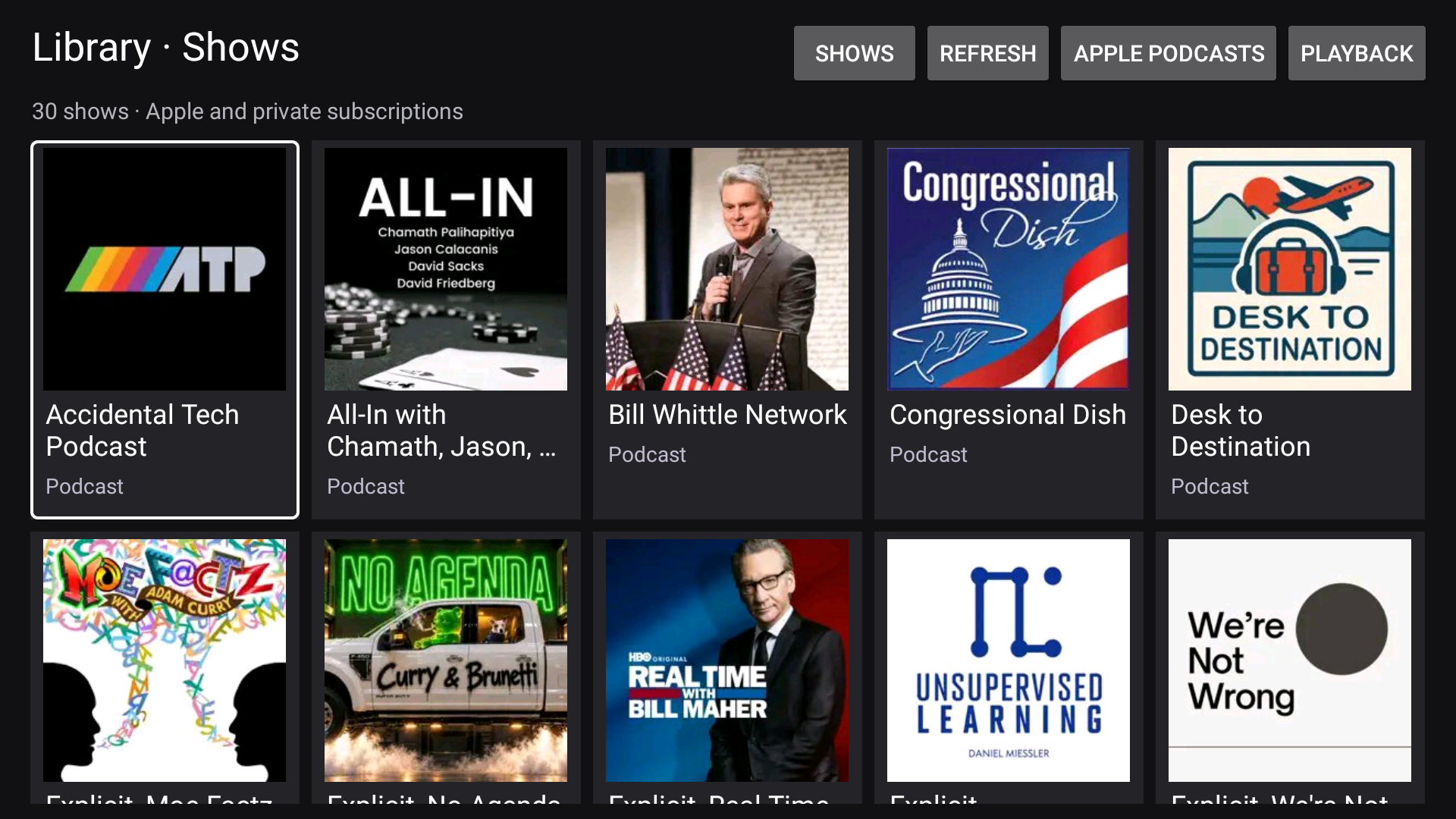 An earlier build captured on 23 October 2026, before the toolbar contrast update. The native grid was already working, but the small grey controls at the top still needed attention. This is a before picture, not the shipping toolbar.
There is a bounded disk cache for metadata and artwork, capped at 32 MiB. That buys a quick first screen without keeping a browser renderer around just to display a list. It is not an episode-download feature, and it does not turn storage into extra physical memory. The video still needs its own buffers and decoder.
Older episodes should stay found
The first native list only captured the short selection on an Apple show page. That made the library look finished while hiding most of a show's history. I added an Older episodes button that opens the catalogue temporarily, collects another batch, and returns the results to the native list.
On the television, Accidental Tech Podcast grew from eight entries to 75, then 125. Apple supplied entries in groups of 25, so a request for roughly 50 more could finish above the requested count. A refresh retained all 125, and they were still there after a cold launch. Revisiting a short show page no longer replaces the longer cached list.
The loader stops when it reaches its target or stops receiving new entries, with a separate timeout as a backstop. There is also a 1,000-entry cap. I did not download every episode of every show, and the button does not pretend otherwise.
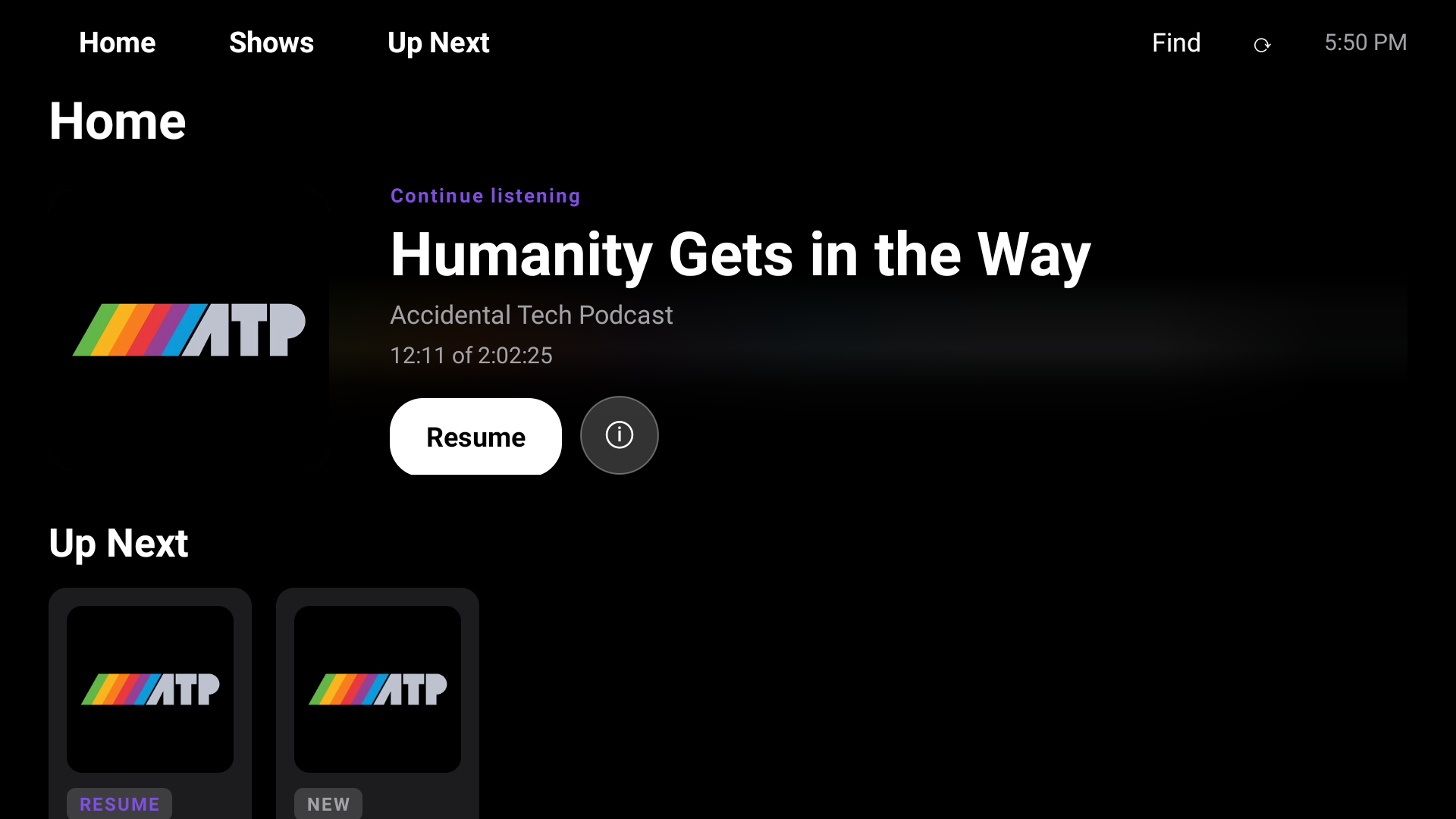
Find searches the titles and visible metadata already loaded into the current list. It ignores case and accents and requires all the entered words to match. Searching for “Humanity” found “Humanity Gets in the Way.” Selecting it opened Apple's player, and playback advanced. That matters more than a search result that merely looks clickable.
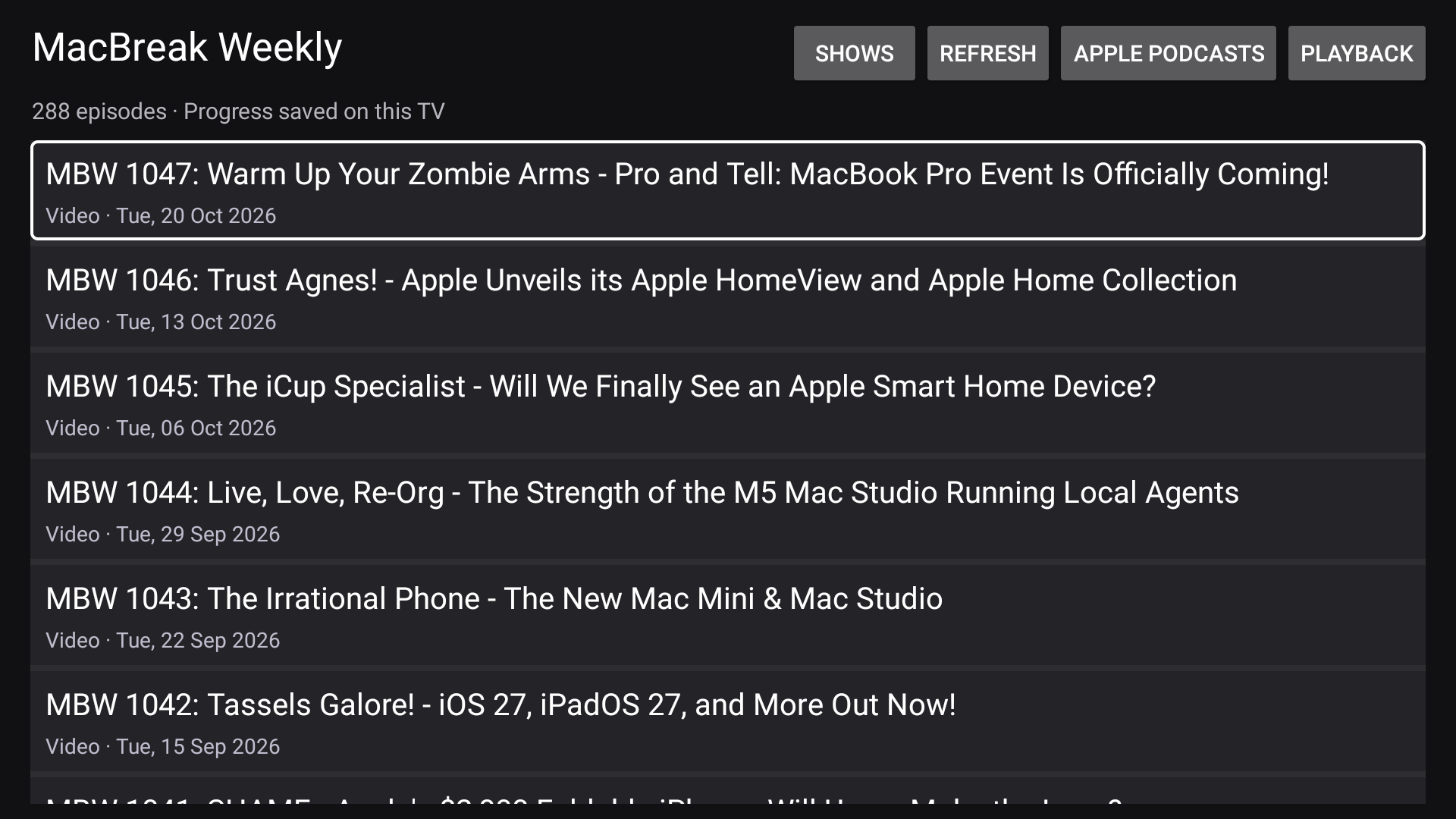 The native MacBreak Weekly private-feed episode list, captured on 23 October 2026 in the earlier toolbar build. The format and publication date are visible beside the episode choice, with progress stored on the television. The show titles are publisher content; no private feed address is displayed.
A button has to be visible before it can be useful
The refresh control and its neighbours were too hard to distinguish. The fix was deliberately plain: larger bold white labels, light borders, more separation, and a selected button that turns white with black text. Colour alone does not carry the selection state.
Google's TV navigation guidance makes clear focus a basic part of remote navigation. I checked the actual television screenshot, including label fit and the focused state. That is evidence that the new treatment renders correctly. It is not a substitute for using the remote from the sofa or an accessibility certification.
I also changed startup behaviour. The app shows the cached grid immediately and starts refreshing the Apple library. Private feeds refresh on the existing serial worker. Opening a cached Apple show checks for newer episodes while retaining older entries. The manual Refresh button stays for an extra check, and an active Apple playback session blocks navigation-based refresh from interrupting it.
This is a launch refresh, not constant polling and not a download of every Apple catalogue. That distinction matters on a small television. Doing background work all the time would undo some of the memory savings I was trying to achieve.
What I checked, and what still depends on Apple
The build and regression checks passed. Those checks cover catalogue capture, batching, stalled loading, local filtering, and the resume helper. On 23 October I also checked the 125-entry cache after restart and started an older episode from a filtered result. I observed the cached grid while the automatic startup refresh was running.
The latest work did not revalidate progress appearing on an iPhone. Apple playback and account sync still depend on the web-player path; private-feed progress remains local to the television. I have not tested every remote, every television, or every show. The earlier podcasts introduction, the original storage repair, and the standing project page give the wider repair context.
The source is now public at itrimble/hisense on GitHub. I published a reviewed snapshot with a new history. The private development history contains household notes and old sign-in captures, so pushing that history would have been the wrong way to share the code. The public tree excludes those files, device dumps, subscription addresses, account storage, and signing keys. A targeted scan found no configured feed tokens or account email addresses in the exported source. That is a publication check, not a full independent security audit.
My advice after this round is modest: start by making the things you touch every day native and predictable. A show grid, an episode list, and a button you can actually see are worthwhile improvements even while the account and playback machinery still lives on the web.
Sources
Read on 23 October 2026:
- Android architecture: Build web apps in WebView, the official explanation of embedding web content in an Android activity. It explains the architecture, not the performance of this particular television.
- Remote navigation: TV navigation, Google's guidance on directional controls and visible focus. It supports the design direction; it does not certify this app's accessibility.
- Implementation: Podcasts TV and TV Home source, the reviewed public snapshot and its reproduction notes. The television checks described above are local observations, not independent benchmarks.
Keep reading
Hisense Podcasts Sign-in Fix Blanked the Library Screen
A fix for a misdrawn password box on my television's podcasts app blanked the library after sign-in, until I narrowed the fix.
Hisense Podcasts App Fixes Tabs, OK Key and Empty Shelves
The podcasts app on my television had three faults that only showed on a cold start: unreachable tabs, a dead OK button, and empty shelves.
Hisense Podcasts App Gets an Apple TV Look and a Sound Stall
The Hisense television's podcasts app got a new Apple-style home screen and shelves, then a stall in the sound that the new artwork had caused.