Pipe Flow's Desktop Audit Found Leaks 34 Seconds Early
Checking Pipe Flow's desktop port against the phone game found leaks bursting early on 111 of 140 levels, while Lightfence, SnapDog and StatBar also moved.
The desktop version of Pipe Flow, the water-pipe puzzle, spent 22 October catching up with the phone game, and the work turned up a bug that made leaks arrive far too early. Lightfence learned to play on a folding phone, SnapDog on Linux got window capture right, and StatBar can now slim down phone simulators.
I will take them in the order of how much surprised me.
Pipe Flow: leaks arriving 34 seconds early
Pipe Flow's Windows and Mac build is the port I described in the 20 October story. The job on the 22nd was to make it feel like the original. That meant water filling each pipe gradually, as a growing stroke, instead of all at once, and banners, clear cards, sounds, menus, the How to Play screen and the trophy page behaving like the phone version. The desktop game now follows your system language in 13 languages.
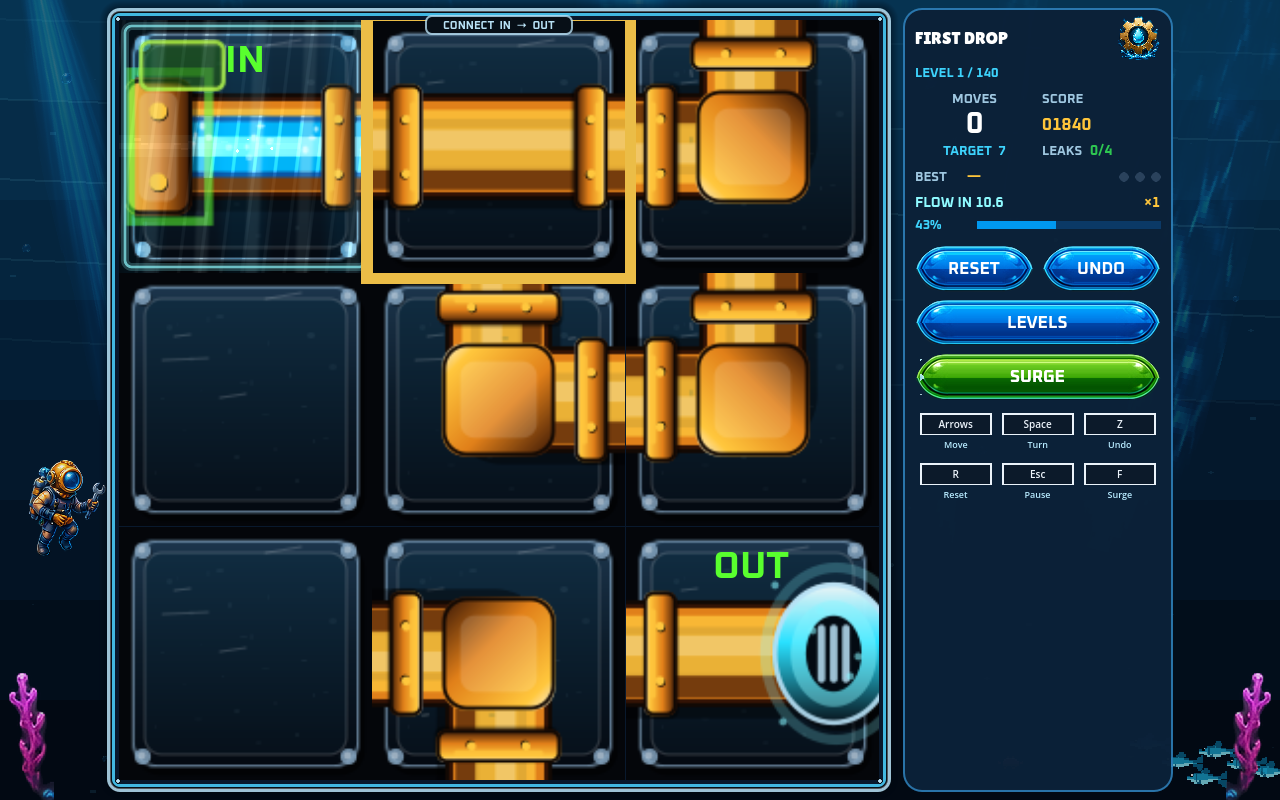
Pipe Flow's desktop build at 1280 by 800, captured at 11:26 on 22 October by the comparison sweep: level 1 of 140, First Drop, with 0 moves made, a target of 7 and a flow timer reading 10.6. A gold square outlines one tile in the top row.
The surprise came from comparing the two versions line by line. Read-only audits checked each gap against both sources before anything was changed. The biggest one: when a run was leaking, the desktop version burst at the furthest tile. That made leaks come early on 111 of the 140 levels, by about 34 seconds on level 39. Seven further rule differences were fixed in the same sweep, including leaks and best chain counting only at a clear.
Then came two independent reviews of the whole day's changes, which found ten real bugs. Two examples: pressing N on a run summary recorded the run twice, and a won board could win again after you left it. The fixes carry tests, and several were checked against a deliberately broken copy to make sure the test fails when it should.
The numbers from the suite are in the Pipe Flow entry. The short version: 3,735 checks in the first group, 219 in the third, 908 in the fifth, and a new group of 35 that compares every shipped string with the phone game's catalogs. A soak mode cleared all 140 levels, and the slowest took 27.7 seconds.
Two things are still open, and I would rather list them. The phone version can leave a solved branching board idle before LEVEL CLEAR, which I left alone. And the online build checks are blocked by a billing problem, so the checks that were queued for the Mac fleet never found room to run.
Lightfence on a folding phone
Lightfence now plays properly on a folding phone set down like a small laptop. The board sits on the upright half. The flat half holds the score columns and a steering pad, and a second finger on the pad fires the overdrive boost. Pause and result cards sit on the flat half too, away from the fold. Held open like a book, the phone plays as before. Build 1004 went to App Store review.
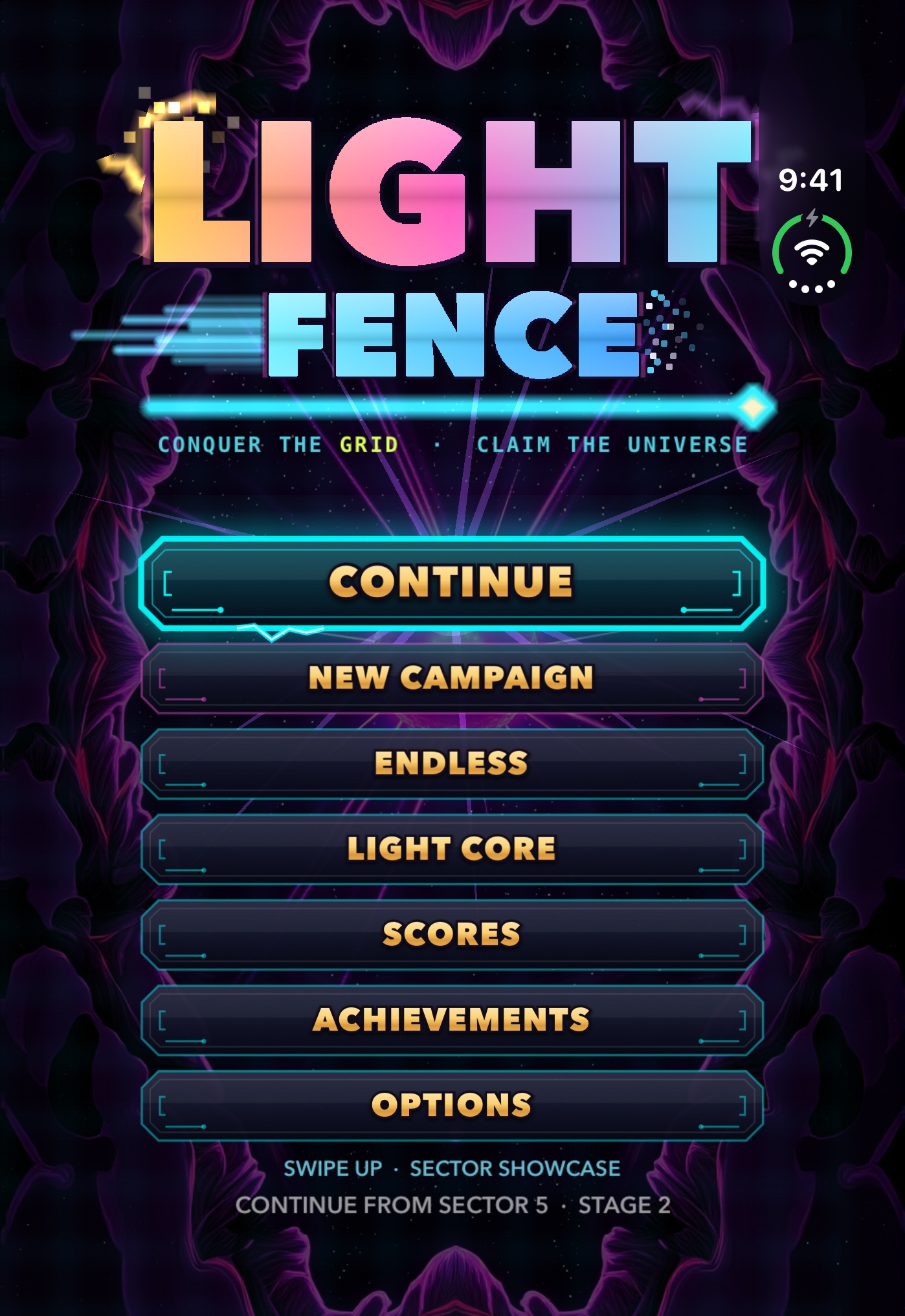
The Lightfence title screen on the folding-phone simulator at 1398 by 2034, one of seven store-screenshot candidates committed on 22 October. It is not a capture of the new tabletop layout. The line at the bottom reads Continue from Sector 5, Stage 2.
The simulator has no hinge, so a launch flag pretends there is a fold, and a UI test checks that the board clears the fold and that a tap on the pad steers. The notes say those tests were not run that night. The seven screenshots wait for the next version, because the pictures for version 1.2 are locked while it is in review. The QixForge entry has the rest.
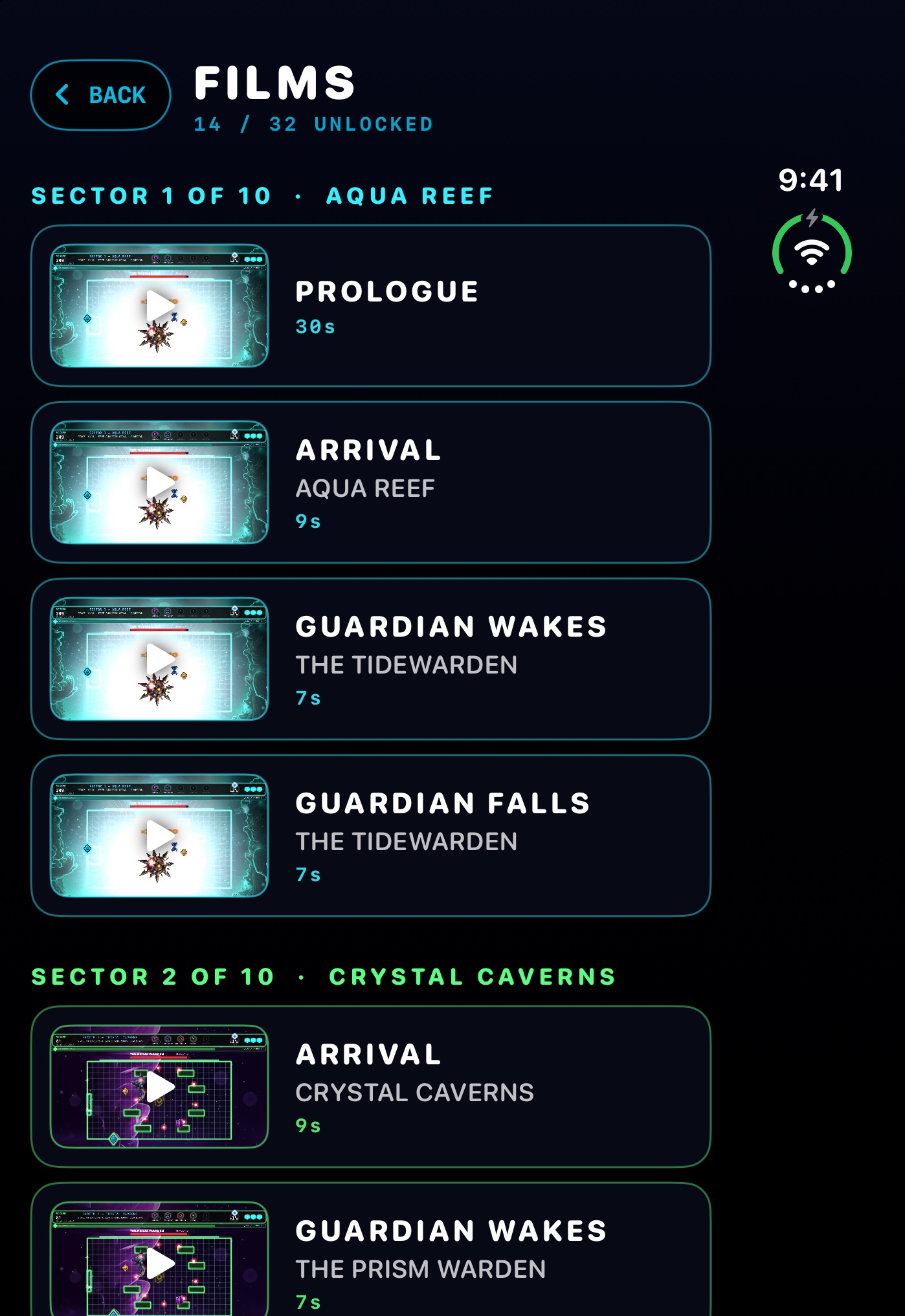
The Lightfence Films shelf on the same simulator, one of the same seven candidates, committed 22 October. The counter at the top reads 14 / 32, and each row shows the film's length in seconds.
SnapDog on Linux: a click that could never land
SnapDog's Linux version is still a separate port behind the Mac app. On the 22nd it started saving a clean picture when you capture a single window. Before, clicking the window you wanted did nothing useful, and the first picture that did come out had a grey tint and a badge from the picker baked into it.
The cause was a nice kind of dumb. The window picker opened as a tiled window beside the target, so it drew a scaled picture of the whole desktop but read your clicks through its own tile. A click on the target could never land on it. The picker now goes full screen, and it crops the chosen window from frames frozen before the picker appeared, instead of photographing the screen after closing it. The wait before freezing went from 120 to 500 milliseconds so the menu's fade-out stops ghosting into the capture.
This was checked on a real Arch-based Linux machine: version 0.2.58 went through the full Linux suite of 111 tests plus an installed smoke test, and the saved capture came out at 1960 by 1094. Windows that span two monitors are untested, and the DEB and RPM packages are built but not installed on their own distributions. The SnapDog entry has the details. There is no screenshot of this one, because the capture run failed on a missing simulator platform.
StatBar 1.7.0 slims the simulators
StatBar, the Mac menu bar monitor, can now shrink the phone simulators developers leave around. It clears their caches and logs and can switch off background services inside a simulator so it runs lighter. In one test, a simulator dropped from 215 running processes using 2.94 GB of memory to 96 processes using 1.08 GB.
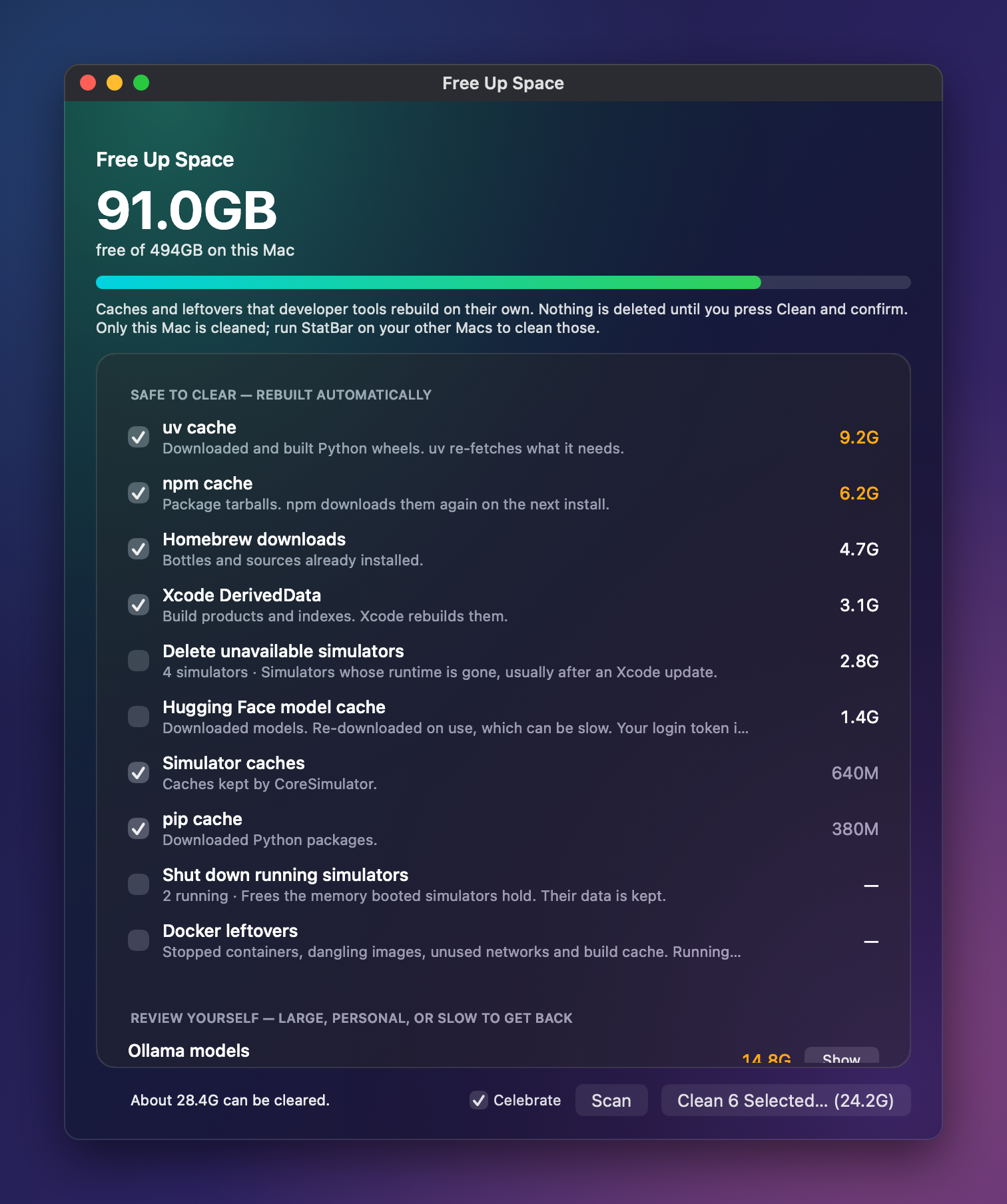
StatBar's Free Up Space window as shown on the product site, in a file dated 22 October: 91.0 GB free of 494 GB, with 24.2 GB selected to clear. This is the older cleanup window, not the new simulator slimming controls, which this capture does not show.
The first commit of the day called an outside tool. The second replaced it with native code, so nothing extra is needed. The list of services comes from an open-source project whose MIT licence notice now sits in the project's docs folder, and the README credits it. Cleanup touches only Caches and Logs folders, never documents or media, and never follows links out of those folders. The slimming options are never pre-ticked, and trimming is blocked while Xcode is running. The notes say the tests were not run. See the StatBar entry and the StatBar site.
The Hisense television's podcasts app also gained private show feeds, remote-only navigation and a Now Playing card, and it now hands its memory back when nothing plays, which matters on a television with about 1.8 GB. I left the feed addresses out because they carry subscriber tokens. The Hisense entry has more.
What I would tell you
Compare your port against the original, line by line, before you trust your own tests. The early leaks came out of that comparison, not out of the suite. And get a second pair of eyes: two independent reviews of the day's changes found ten real bugs.
Sources
I read the first three on 23 October 2026. I did not open any App Store review page, and I did not read the licence text or the open-source project behind the StatBar service list.
- StatBar product page: price, the no-telemetry claim and the description of what the app does.
- Lightfence product page: describes the game and its platforms.
- SnapDog product page: describes the Mac app and has a Linux section.
Keep reading
Butcher Bay Mac Port Hits 60 fps, Comfy Golf Gets a Site
The Mac port of Escape from Butcher Bay now plays smoothly but draws characters too dark, while Comfy Golf and my AI models catalog gained new pages.
Quiet Links Golf Gets a Swing as Dante Recomp Speeds Up
On Friday my browser golf game Quiet Links gained a three-press swing and a caddie, while three Mac game conversions each moved a little.
Dante Recomp Host Plays on My Mac as GoW3 Recomp Hangs
A converted PlayStation 3 game reached real gameplay on my Mac while a second, God of War III, drew a splash screen and froze.