StatBar Fixes a 32.5 GB Promise While SnapDog Records
StatBar stopped overpromising disk space, SnapDog's Linux test mode learned to stop a recording, and OS Pi ran old games further on Sunday.
StatBar, my Mac menu bar tool for developers, had been telling me a cleanup would free 32.5 GB of disk space, and that number was wrong. On Sunday I found out why and made the estimate honest. SnapDog's Linux version also learned to stop a screen recording it had started, and my classic-Mac-style desktop, OS Pi, got a very long day of work.
I should say up front what Sunday was not. It was not a launch day. Nothing shipped to a store, and several things I would like to call finished are only finished on my machines. I will mark each one.
StatBar was promising space it could not give back
The Free Up Space window in StatBar is meant to answer one question: how much room do I get if I clean up? On Sunday I looked at a screenshot of that dialog and did not trust the footer. It read 32.5 GB. The saved scan summed to 32,482,402,304 bytes, and I took it apart. The full story is in the StatBar entry for the day.
| Part of the 32.5 GB | Size | Would a default cleanup free it? |
|---|---|---|
| Default caches (uv, pip, npm, Homebrew, Xcode build data) | 18.7 GB | Yes |
| Optional Hugging Face and Playwright downloads | 1.4 GB | Only if I tick them |
| Whole simulator Devices folder | 12.3 GB | No |
That last row was the problem. The erase command keeps the devices, their base data and the runtimes, so labelling the whole folder as recoverable was a promise the app could not keep. The footer now counts only what the app ticks by default.
The free-space figure had the same flavour of mistake. It used the system's "important usage" capacity, which includes space macOS believes it could make available. That read 48.7 GB while diskutil reported 43.59 GB of real free APFS space. The big number now reports what is free right now, and the reclaimable part is described separately. Runtime rows say "installed" size, because four runtimes adding up to 28.55 GB is the size of the images, not proof of bytes returned.
Two smaller changes mattered. A missing folder used to measure as a complete result of zero bytes, and it no longer counts as complete. A new test covers that, and a second test checks that the estimate leaves out optional, destructive, blocked and incomplete rows. This follows the size-counting work from the 1 November StatBar story.
What I did not verify: the packaged app build is queued behind a memory-headroom rule, so I have not seen the new footer on screen. It was a read-only audit and I ran no cleanup. The cleanup test script passed on the Mini through Build Fleet, and a syntax parse and type check passed on Neo. My opinion: an estimate that is too high is worse than one that is too low, because the first one makes you feel cheated by your own tool.
SnapDog Linux can finally stop what it starts
SnapDog is my capture and annotate app. The Linux version has a test mode that runs on the Mac, and until Sunday its recorder could only start. Stopping was not possible, and the Mac had never been allowed to record its own screen for it. The SnapDog entry has the detail.
The blocker was a permission. The built-in Mac recording command lacked screen-recording rights for the Python program that runs the simulator. Peekaboo, the automation tool I use, already had them. But interrupting Peekaboo's live capture threw the video away. Its "action" mode finalizes a file when a shell command exits, so Start launches that, and the Stop button drops a marker file and waits for the finished MP4. The catch is a 180-second limit. Audio, camera and click-ripple recordings keep the native route.
The recording options live in the Mac app's settings, and this is what they looked like in the app two days earlier.
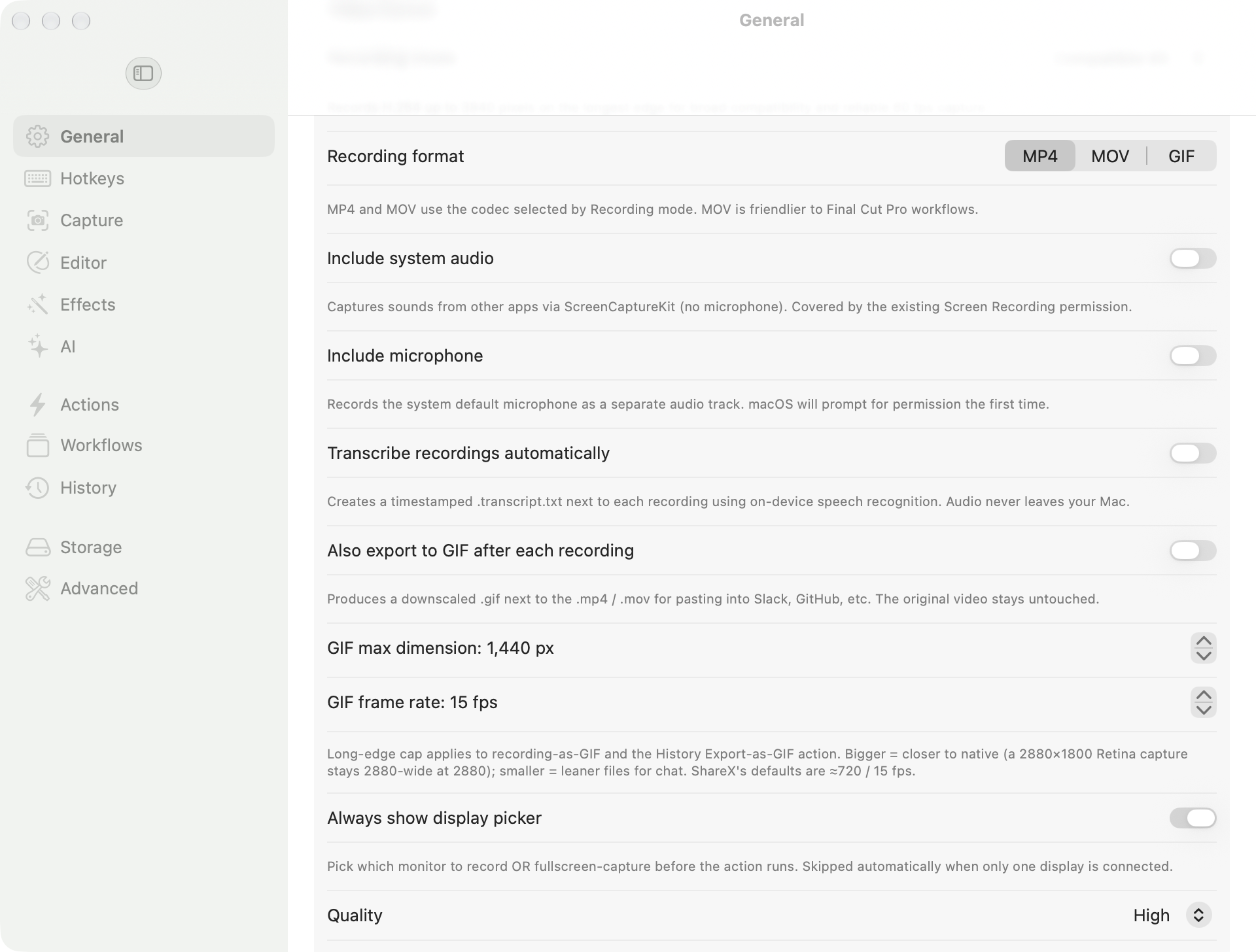
SnapDog's Mac General settings, captured on 6 November (two days before this work). It shows the recording format and GIF export controls the Linux version is meant to match. Not a capture of the Linux test mode.
Measured on the Mini:
| Run | Result |
|---|---|
| Full screen | 1920 by 1080 H.264, 34 frames, 1,375,844 bytes |
| Chosen region | 500 by 400, 64 frames |
| Linux suite | 121 tests passed |
| Arch package | Reinstalled, 35 files, 0 altered |
ffprobe decoded both videos and I opened extracted frames. A GUI run clicked Stop and found the History row. The packages, version 0.2.66, came out of Build Fleet on my Linux box: DEB 171,500 bytes, RPM 181,689, Arch 213,369. The DEB and RPM installed in Debian and Fedora containers, but those have no display, so I claim no GUI result there.
A Safari window recorded too, with a permission dialog sitting over it. So this records the visible rectangle, not an isolated window. That is a limit, not a feature.
Not verified: pause and resume, audio, camera, anything past 180 seconds. The Neo's screen was never observed, because a launch review rejected the simulator. And all of this is still uncommitted in my working copy.
For more on how the Mac app's capture controls look, the earlier settings are below.
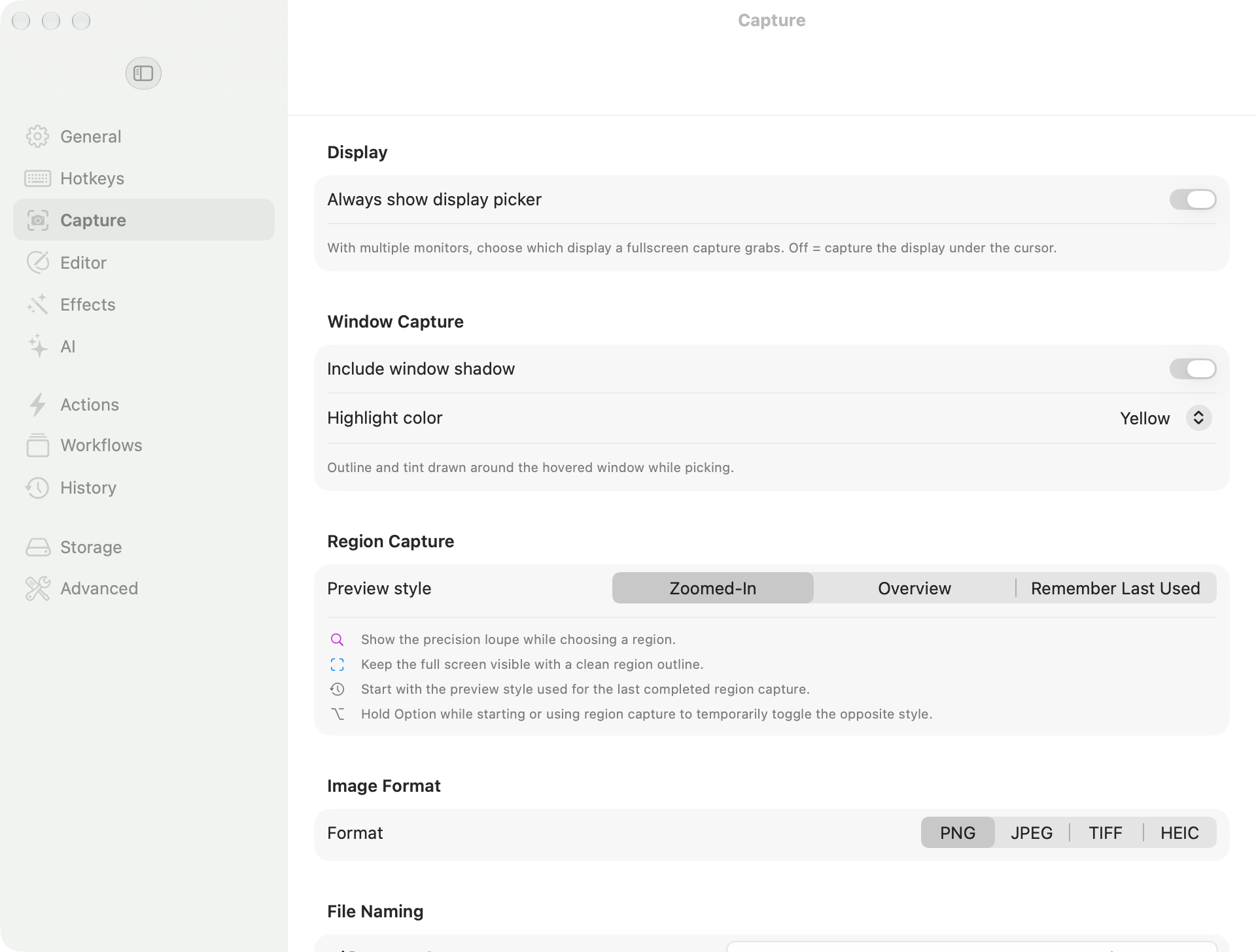
SnapDog's Mac Capture settings, captured on 6 November. Note the region preview style and the image format choices; this is the Mac app, not Sunday's Linux work.
OS Pi: 127 commits and a lot of missing system calls
OS Pi is my classic-Mac-style desktop. It had the biggest day by commit count, 127 across its branches, and most of it was slow. See the OS Pi entry for the full list.
Glider PRO, the paper-plane game, now loads a saved house and lets me click through to quitting its level editor. I got there one missing system call at a time. Each fix moved the halt a little further on. Dialogs now draw through a real window and take clicks on custom items. Memory size now comes from the program's own size resource, so the out-of-memory alert went away.
Castle of Dr. Brain reaches its opening screens after work on a region engine, text and font calls and palette animation. Two small bugs mattered: missing low-memory clock values, and a volume-info call that read past the block it owned. The second got a regression test.
Other work from the day:
- Integration branches for the Extensions Manager, Bluetooth control panel and Font Book were merged into the main line.
- Font Book gained an opt-in, read-only listing of the Mac's own fonts, off by default.
- The protected guest heap now covers every partition size, with guard zones around allocations.
- A private usage log landed at 11:14 pm. It records clicks, keys, commands and state changes on the machine only and sends nothing anywhere.
- Quake III Arena got an icon and a Shut Down menu item.
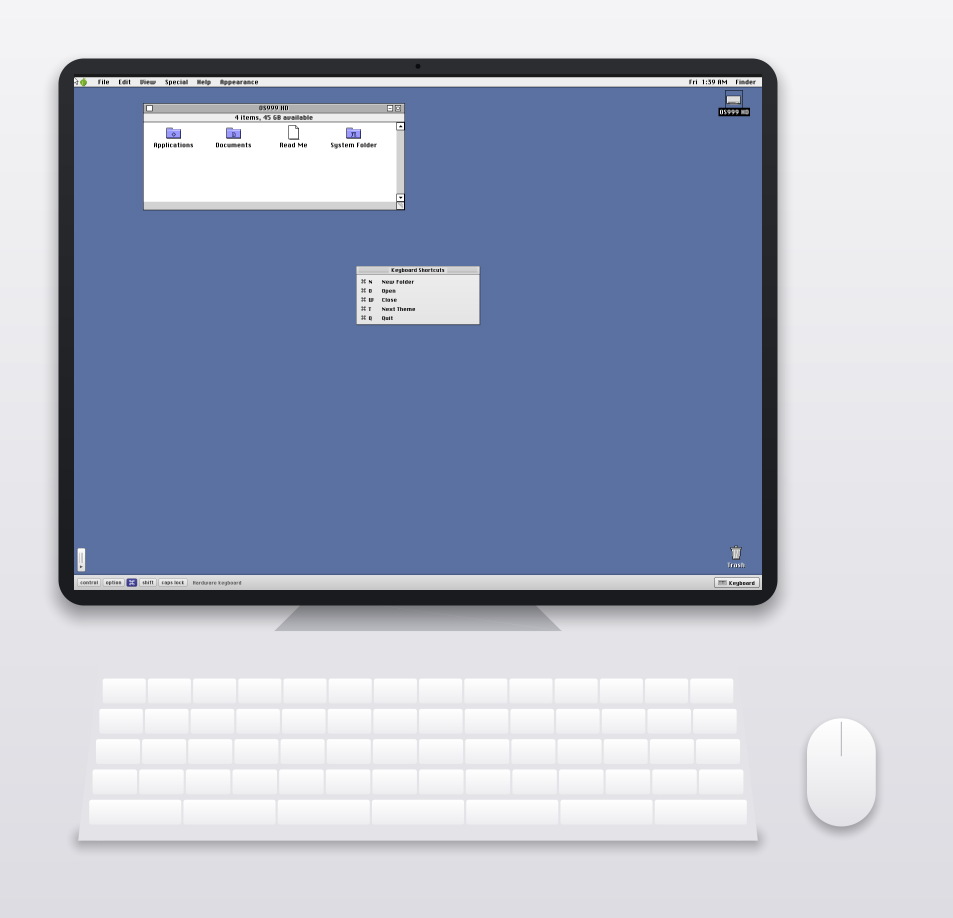
An OS Pi tablet-layout render from the project's mobile assets, last modified 6 November. It shows the desktop and on-screen keyboard, not Glider PRO or Castle of Dr. Brain, which I did not photograph.
What is still open: the doubled-music problem from Wednesday's entry was untouched, and I never ran a real Bluetooth device. I also did not watch the full test suite pass on the final state of the day.
Build Fleet saved a batch that had waited since Thursday
Build Fleet spreads my building work across several computers. One large commit landed at 12:33 on Sunday, covering work that had sat uncommitted since Thursday. See the Build Fleet entry. It adds disk reclaim, disk and capability checks, a model catalog, a project inventory, an Android project lane and a media workflow with GPU routing notes. On Linux, a lane builds iPhone-style apps without a Mac. The Mac menu bar app gained audit, media and Cursor availability views.
The Thursday fix is in there too. A retried copy to another machine no longer makes the broker think a job changed, because the signed ticket now ignores retry and failure counters.
The notes say the full suite last passed 434 tests on Omarchy in 27.381 seconds, before the final edits. I did not re-run it. All six acceptance goals and the final deployment gate are open. Live Cursor dispatch is blocked because the Mini has no key stored. And I could not exercise the Mac app's build 10 on screen. Honestly, one big commit is the thing I would normally tell someone not to do.
What I would tell you
- Check an estimate against a second source. StatBar's 32.5 GB looked fine until I split it into rows.
- A tool that "records" is not done until it can stop, and until the file opens afterwards.
- Do not call a day finished because the commit count is high. OS Pi had 127 commits and no end-to-end test run I saw.
- Write down what was not run. Most of my open items today are things I did not watch.
Pictures: the day's real captures were scarce. The three images here are from 6 November and the OS Pi project assets, and each caption says so. I took none of Sunday's recordings or dialogs as screenshots.
Sources
- StatBar product site, opened 9 November 2026 to confirm what the app is.
- StatBar on Gumroad, opened the same day to confirm the listing is live.
- SnapDog product site, opened the same day.
- Everything else comes from my own project notes and the day's entries; I did not re-run tests for this write-up.
Keep reading
Butcher Bay Mac Port Hits 60 fps, Comfy Golf Gets a Site
The Mac port of Escape from Butcher Bay now plays smoothly but draws characters too dark, while Comfy Golf and my AI models catalog gained new pages.
Quiet Links Golf Gets a Swing as Dante Recomp Speeds Up
On Friday my browser golf game Quiet Links gained a three-press swing and a caddie, while three Mac game conversions each moved a little.
Dante Recomp Host Plays on My Mac as GoW3 Recomp Hangs
A converted PlayStation 3 game reached real gameplay on my Mac while a second, God of War III, drew a splash screen and froze.